Creating a home office that is both comfortable and productive can greatly enhance your work-from-home experience. Whether you are setting up a dedicated room or just a small corner, the right environment helps you focus, stay organized, and reduce stress. Here are some practical tips to help you design an ideal home office space.
Choose the Right Location
Selecting the location for your home office is the first and perhaps most important step. Ideally, find a quiet spot with minimal distractions. If possible, choose a room with a door you can close for privacy. Natural light is a big plus, so a space near a window can improve mood and energy.
Consider Space and Function
Ensure the area has enough room for your desk, chair, and any equipment you need. If you don’t have a dedicated room, look for a corner that can be easily separated from living areas, such as a nook or a portion of the dining room.
Invest in Ergonomic Furniture
Comfort is key to productivity. Choose an ergonomic chair that supports your back, and a desk that fits your height.
Desk
– Look for desks with adjustable height or enough space to hold your computer, keyboard, and other essentials.
– Standing desks or sit-stand converters are a good option to reduce sitting time.
Chair
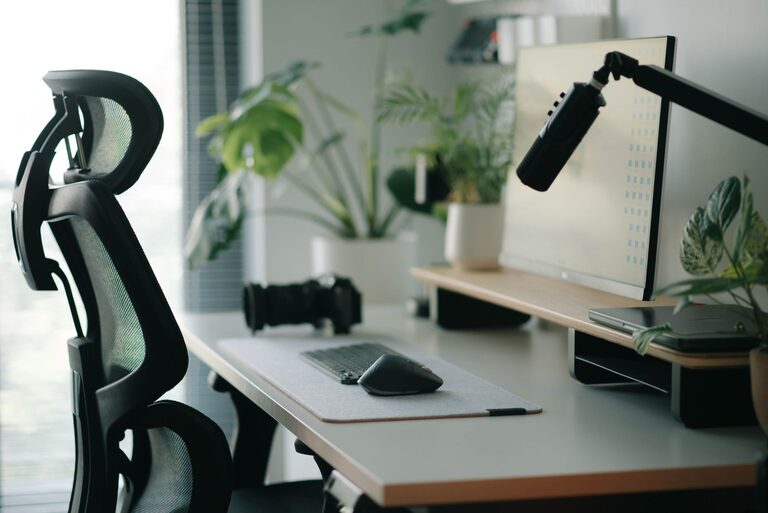
– Select a chair with good lumbar support.
– Adjustable height and armrests help maintain proper posture.
Optimize Lighting
Good lighting reduces eye strain and increases alertness.
– Position your desk near a window for natural light.
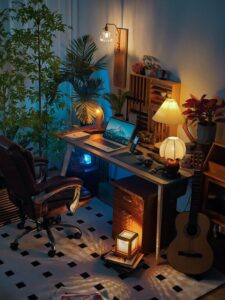
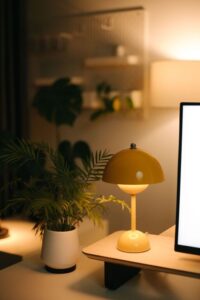
– Use adjustable desk lamps for focused lighting — LEDs are energy-efficient and provide bright illumination.
– Avoid glare on your computer screen by adjusting blinds or repositioning your desk.
Organize Your Workspace
An organized space is less stressful and helps maintain focus.
– Use shelves, filing cabinets, or baskets to keep papers and supplies tidy.
– Keep only essentials on your desk to minimize clutter.
– Label storage areas for easy access.
Cable Management
– Use cable clips, sleeves, or ties to keep wires neat and out of the way.
– This prevents accidental unplugging and keeps your workspace looking clean.
Equip Yourself with the Right Technology
Your home office should be equipped to handle your work requirements efficiently.
– Reliable high-speed internet is essential.
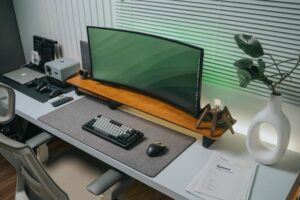
– Use a good quality monitor — a larger screen can reduce eye strain and aid multitasking.
– Invest in peripherals like keyboards and mice that feel comfortable.
– Consider noise-cancelling headphones if your space isn’t completely quiet.
Add Personal Touches
While functionality is important, a welcoming atmosphere can boost your mood.
– Add plants to improve air quality and add color.
– Choose artwork or photos that inspire you.
– Use calming colors in your décor to create a relaxing environment.
Take Breaks and Move
Remember that no matter how perfect your space is, it’s important to take breaks.
– Set timers to remind yourself to stand, stretch, or walk every hour.
– Incorporate movement to reduce stiffness and increase blood flow.
Maintain Boundaries
Working from home can blur the lines between personal and professional life.
– Establish clear work hours.
– Inform family members about your schedule and workspace boundaries.
– Use a “do not disturb” sign if necessary for uninterrupted focus.
Final Thoughts
Designing a comfortable and productive home office requires a balance between functionality and comfort. By carefully selecting your location, furnishing it ergonomically, optimizing lighting, and maintaining organization, you can create a space where you enjoy spending time and get your best work done. Don’t forget to personalize your area and set boundaries to maintain a healthy work-life balance.
Start small, and gradually tailor your home office to suit your needs. Your workspace should support your productivity while also being a place where you feel relaxed and motivated.